In This Article
- How Remote Video Monitoring Works
- Virtual Guards vs Physical Security Guards
- Types of Remote Video Monitoring
- Industries That Benefit Most from Remote Video Monitoring
- What to Look for in a Remote Video Monitoring Provider
- Cost of Remote Video Monitoring
- The Role of AI in Modern Remote Video Monitoring
- Ready to Secure Your California Property?
Frequently Asked Questions
What is remote video monitoring?
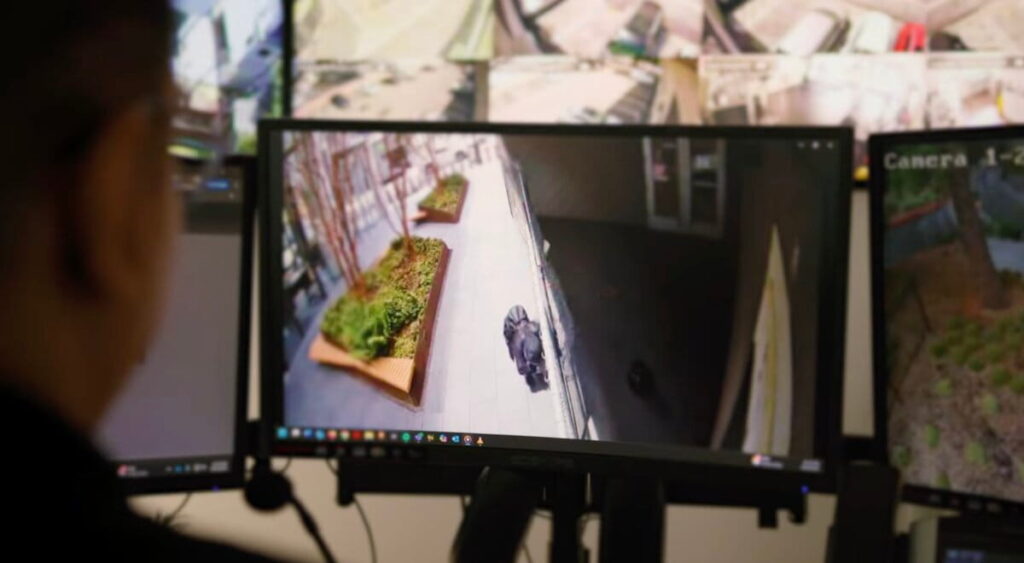
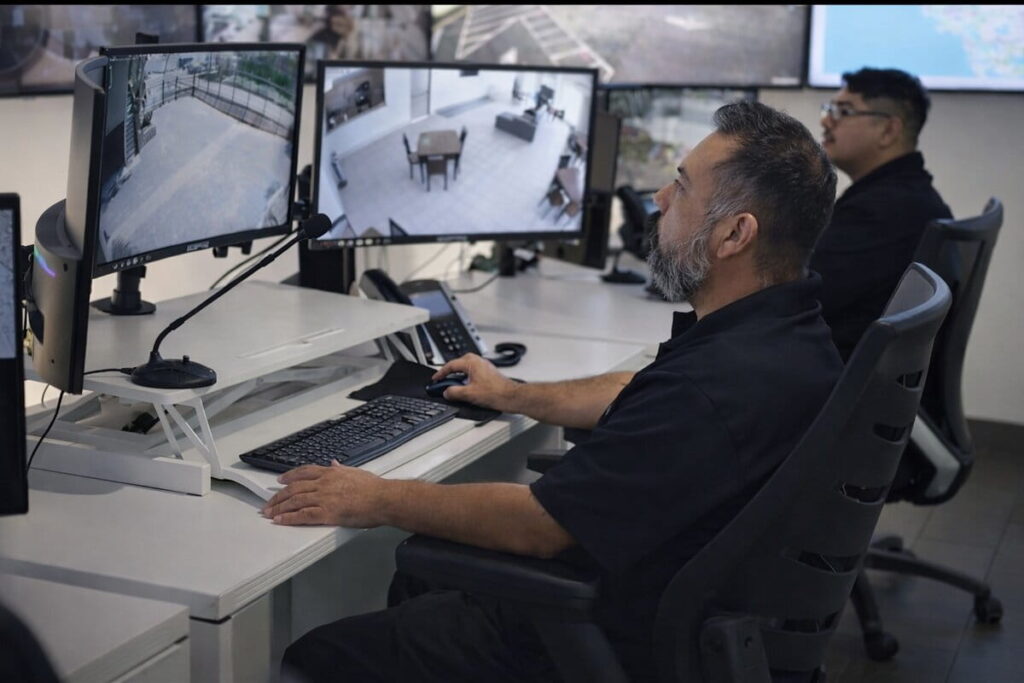
Remote video monitoring is a proactive security service where trained professionals watch your cameras in real time from a central monitoring center, ready to intervene the moment suspicious activity is detected. Unlike traditional recorded surveillance that only helps after a crime occurs, remote video monitoring allows operators to issue live audio warnings, contact law enforcement, and document incidents as they unfold. California businesses use it to protect warehouses, construction sites, parking lots, and commercial properties around the clock.
How much does remote video monitoring cost?
Remote video monitoring costs for California businesses typically range from $200 to $1,500 per month depending on the number of cameras, monitoring frequency, and response protocols required. While the upfront investment is higher than a basic DVR system, most businesses recover costs quickly by replacing or reducing on-site security guards, which can run $4,000 to $8,000 per month per officer. Guardian Integrated Security builds custom pricing based on your facility size and specific risk profile rather than a one-size-fits-all package.
How does virtual guarding work?
Virtual guarding combines high-definition cameras, AI-powered video analytics, and live human operators to monitor your property in real time without a physical guard on site. When the system detects unusual activity, a trained security operator reviews the footage immediately and can broadcast a live voice warning through on-site speakers, deter trespassers, and dispatch law enforcement if needed. This layered approach catches threats faster than a patrol guard who can only be in one place at a time.
Why should I use a professional remote video monitoring service instead of doing it myself?
Self-monitored camera systems rely on you or your staff to notice alerts and respond promptly, which is unreliable during off-hours, weekends, or high-volume work periods when threats are most likely to occur. A professional service like Guardian Integrated Security provides 24/7 trained operators who follow strict response protocols, maintain detailed incident reports, and coordinate directly with local California law enforcement on your behalf. Professional monitoring also creates a documented chain of evidence that self-managed systems rarely capture consistently enough to support prosecution or insurance claims.
Free — No Obligation
Ready to Secure Your California Property?
Get a free security assessment from our professional monitoring team. We’ll show you exactly what your property needs — no sales pressure.
Get Your Free Assessment →(800) 400-3167 · Serving California + neighboring states
On This Page
- How Remote Video Monitoring Works
- Virtual Guards vs Physical Security Guards
- Types of Remote Video Monitoring
- Industries That Benefit Most
- What to Look for in a Provider
- Cost of Remote Video Monitoring
- The Role of AI in Modern Remote Video Monitoring
- Frequently Asked Questions
How Remote Video Monitoring Works
Modern remote video monitoring combines AI-powered camera analytics with live human operators to create a layered detection and response system. The process follows a structured workflow that filters out noise, confirms real threats, and escalates quickly when needed. Here is how it works from initial detection to final documentation: According to the Bureau of Labor Statistics, demand for security services continues to grow as businesses increasingly adopt remote video monitoring technology.
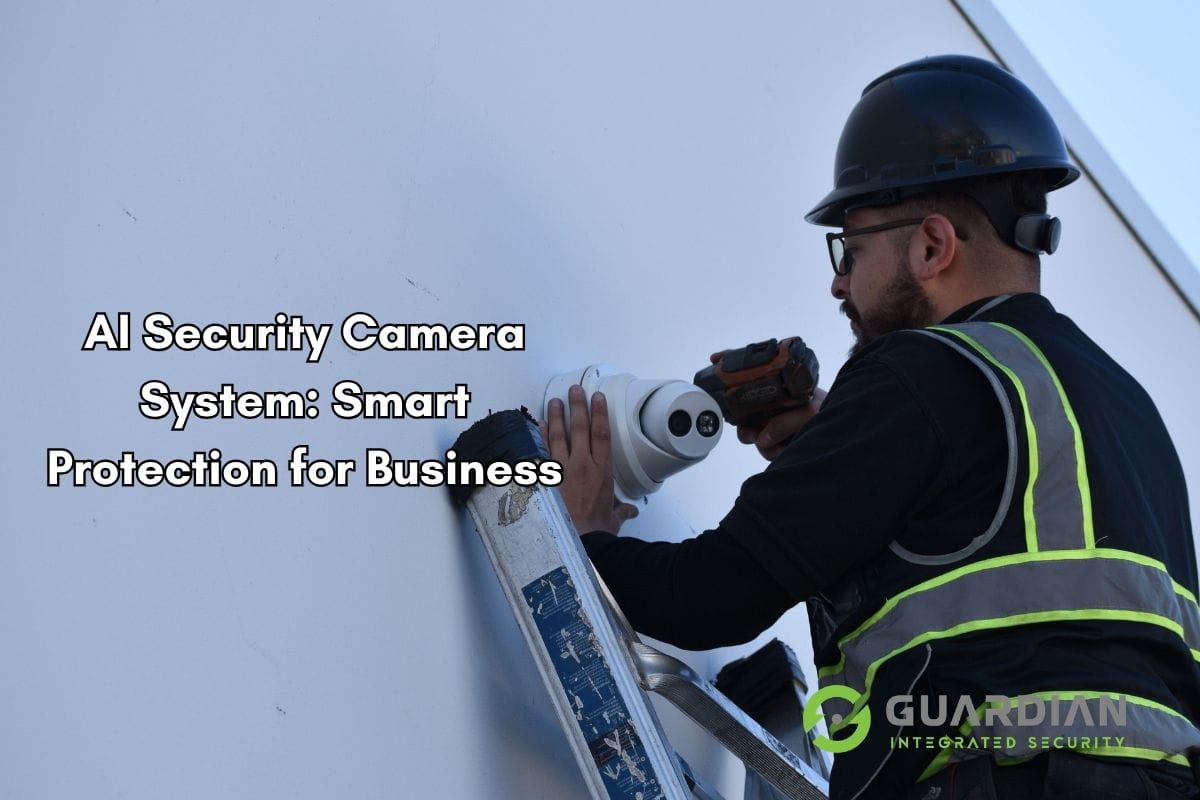
- AI cameras detect motion, people, and vehicles — High-resolution cameras equipped with on-board or cloud-connected AI continuously scan the scene. The system detects movement and classifies objects (person, vehicle, animal) in real time.
- AI filters false triggers — reducing them by 90%+ — Environmental factors like animals, blowing debris, shadows, and weather changes trigger passive systems constantly. AI analytics distinguish genuine threats from benign activity, routing only verified alerts to the operator queue.
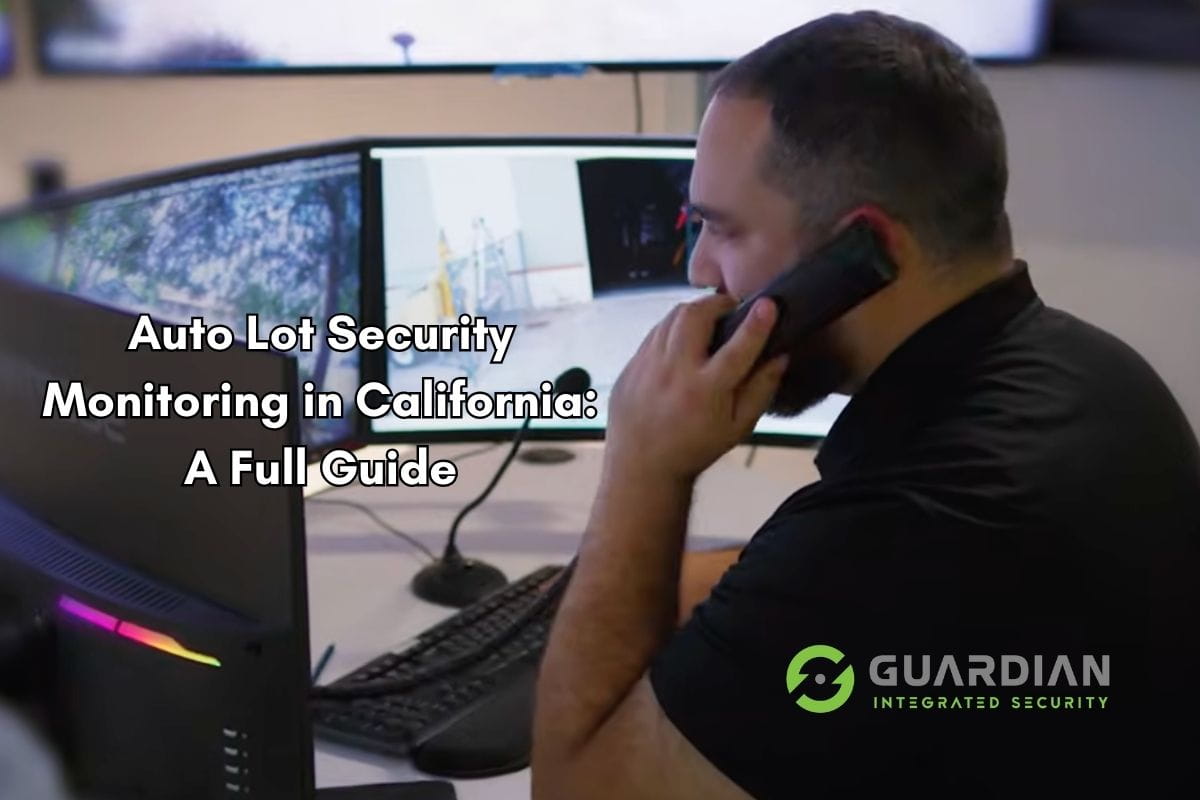
- An alert is sent to the remote monitoring center operator — When the AI flags a potential security event, it pushes a real-time alert to a live monitoring operator along with the relevant camera feed and clip.
- The operator assesses the situation via live HD video — A trained monitoring professional reviews the live feed and recorded clip, applying human judgment to determine whether a genuine threat is present.
- Two-way audio is activated — If the operator confirms a trespasser or suspicious activity, they activate the site’s audio system and issue a live verbal deterrent: informing the individual they are being monitored and instructing them to leave.
- Law enforcement is dispatched if the threat continues — If the verbal warning is ignored or the situation escalates, the operator contacts law enforcement, providing real-time video evidence to accelerate dispatch priority.
- The incident is documented with video evidence — Every verified incident is logged with timestamped video clips, operator notes, and dispatch records — creating an evidence package that supports insurance claims and legal proceedings.
This seven-step process typically completes the detection-to-response cycle within 15 to 30 seconds — significantly faster than any passive alarm-only system. The combination of AI pre-filtering and human verification nearly eliminates false alarms while ensuring genuine threats receive immediate attention.
Virtual Guards vs Physical Security Guards
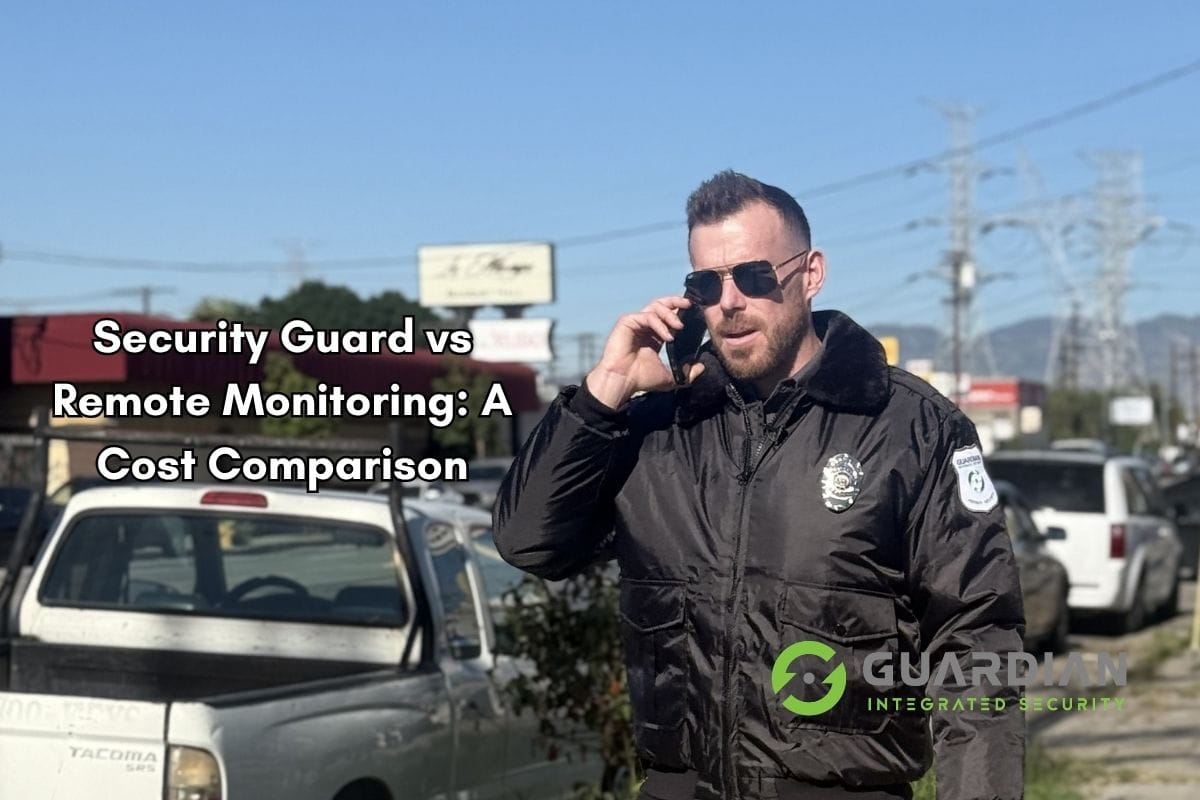
Choosing between virtual guarding, physical security guards, or a combination of both depends on your site type, coverage requirements, and budget. The comparison below covers the most important decision factors for commercial properties.
| Factor | Physical Guard | Virtual Guard | Hybrid (Both) |
|---|---|---|---|
| Cost per hour | $25 – $60/hr | $3 – $8/hr equivalent | $15 – $25/hr blended |
| Coverage area | Single post or patrol zone | Entire site (all cameras simultaneously) | Full site + on-ground presence |
| Hours | Shift-based (8–12 hrs); overtime costly | True 24/7/365 | 24/7 with daytime guard coverage |
| Response type | Physical intervention possible | Audio deterrent + law enforcement dispatch | Physical + remote response |
| Scalability | Low — each additional guard is a new hire | High — add cameras, not headcount | Medium — scalable on the virtual side |
| False alarm rate | N/A (human patrol) | Very low (AI + human verification) | Very low |
| Evidence capture | Incident reports only | Video clips + timestamped logs | Video + written reports |
| Sick days / no-shows | Common operational risk | None — monitoring center staffed 24/7 | Minimal (virtual fills gaps) |
| Best for | High-risk sites, access control, visitor interaction | Large open sites, overnight coverage, multi-site portfolios | Mixed-use properties, office parks, high-value assets |
For many commercial properties, the hybrid security approach delivers the best overall outcome: physical guards handle human interaction and access control during business hours while virtual guards provide cost-effective coverage overnight and on weekends when staffing costs are highest. This model can reduce total security expenditure by 40% to 60% compared to fully staffed 24/7 coverage.
Types of Remote Video Monitoring
Not all remote video monitoring services operate the same way. Understanding the different models helps businesses match the right approach to their specific security requirements and budget.
Active vs Passive Monitoring
Active remote video monitoring — also called live video monitoring or virtual guarding — involves operators watching live feeds in real time and intervening when threats are detected. This is the model described throughout this guide: AI triggers an alert, a human reviews it, and a verbal deterrent or dispatch follows.
Passive monitoring — also called recorded CCTV — captures and stores footage without live human review. Footage is only examined after an incident is reported. While passive systems are lower cost, they provide no deterrence and no real-time response. For most commercial properties, passive-only monitoring is insufficient as a standalone security layer.
AI-Assisted vs Human-Only Monitoring
AI-assisted monitoring uses computer vision algorithms to pre-screen camera feeds, forwarding only verified alerts to human operators. This dramatically reduces operator workload, eliminates the vast majority of false alarms, and ensures operators spend their time on genuine security events rather than reviewing hours of uneventful footage.
Human-only monitoring — where operators watch feeds without AI assistance — was the standard approach for decades. Without AI pre-filtering, operators manage far higher alert volumes, which increases response times and missed events. AI-assisted remote video monitoring has largely replaced human-only approaches at quality monitoring centers.
Dedicated vs Shared Monitoring
Dedicated monitoring assigns specific operators to a single client site. This is appropriate for high-security environments where operators benefit from deep familiarity with the property layout, typical activity patterns, and personnel.
Shared monitoring has operators managing multiple client sites simultaneously, cycling through camera views and handling AI-triggered alerts across their portfolio. AI pre-filtering makes shared monitoring highly effective — operators only engage when a genuine alert requires attention. Shared monitoring is the standard model for commercial remote video monitoring and keeps costs accessible for most businesses.
Industries That Benefit Most from Remote Video Monitoring
Remote video monitoring delivers measurable value across a wide range of commercial sectors. The industries below have particularly strong use cases due to site characteristics, overnight theft risk, or the prohibitive cost of traditional staffed security.
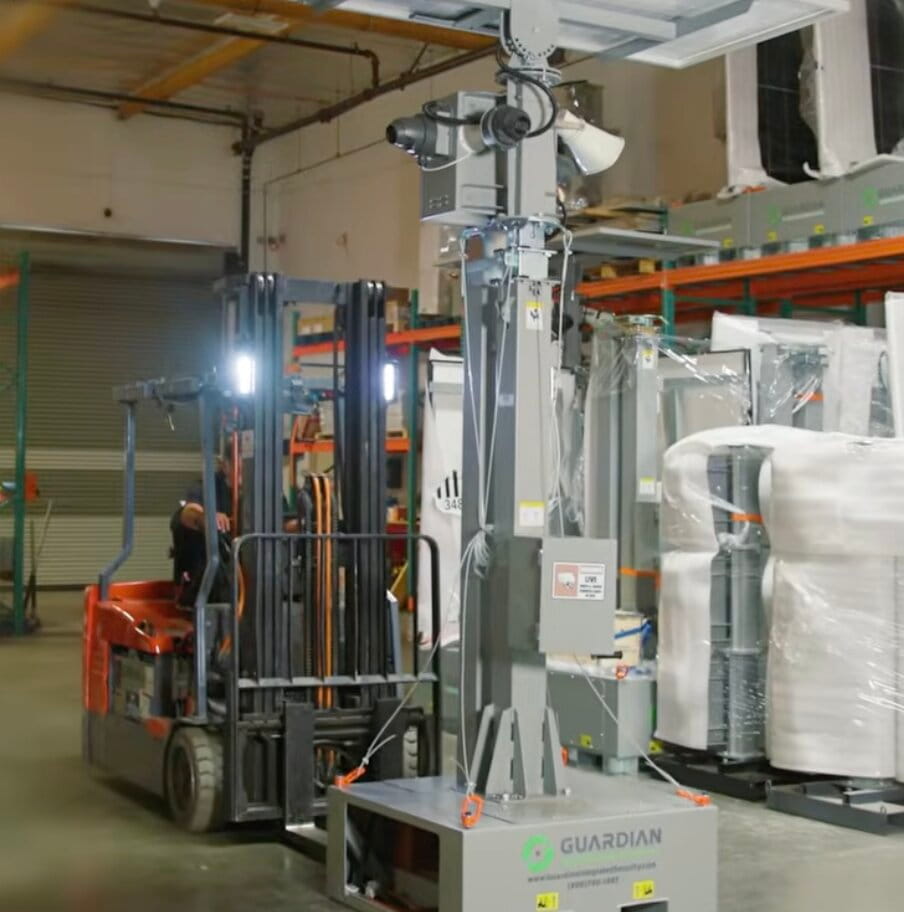
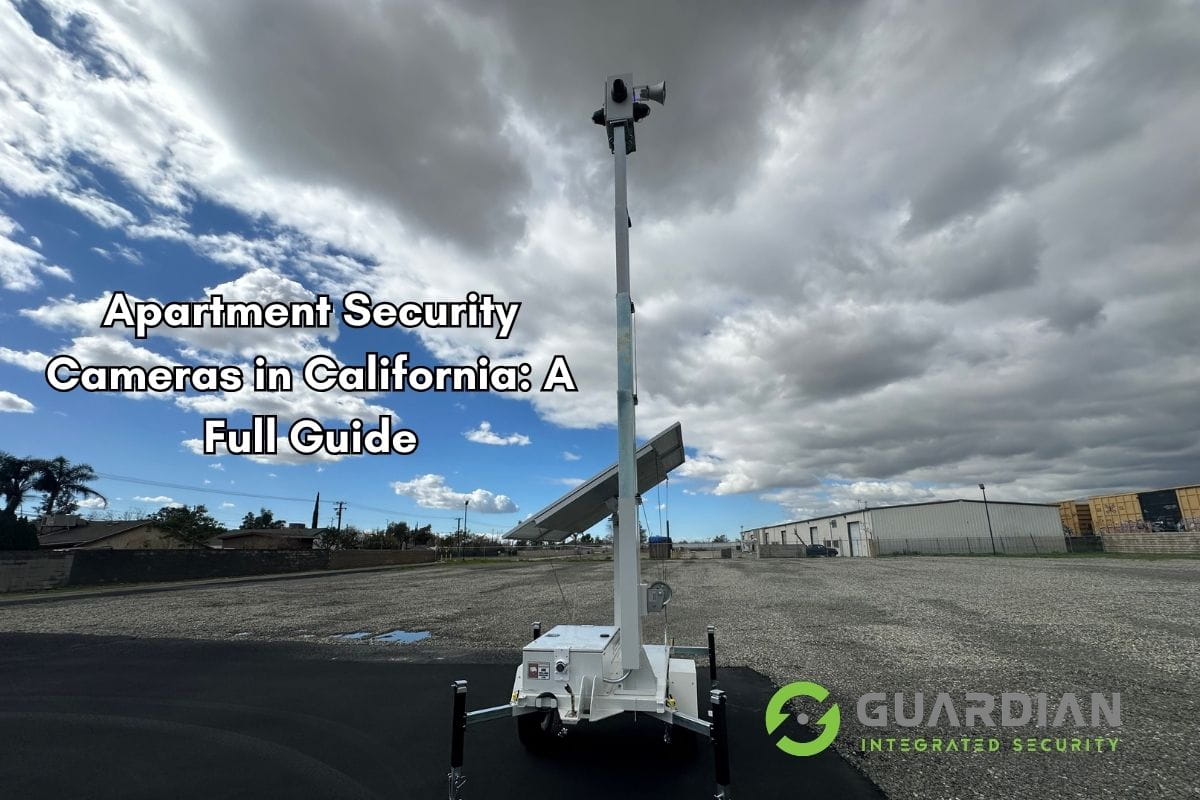
Construction sites are among the highest-value targets for equipment and material theft in the United States — with annual losses exceeding $1 billion nationally. Large open perimeters, rotating crews, and after-hours darkness make construction sites difficult and expensive to protect with physical guards alone. Construction site security using mobile surveillance trailers with AI-assisted remote video monitoring provides flexible, cost-effective coverage that moves with the project.
Car dealerships maintain multi-million dollar inventories exposed to vandalism, catalytic converter theft, and vehicle theft overnight. Remote video monitoring with perimeter analytics and license plate recognition deters criminals before they can cause damage and provides video evidence when incidents occur.
Parking lots and structures are high-incident environments with poor lighting, minimal natural surveillance, and limited foot traffic. Remote video monitoring covers every corner of a parking facility simultaneously — something a single patrol guard cannot do — and can issue audio warnings to individuals behaving suspiciously.
Warehouses and distribution centers store high-value inventory and operate around the clock. Cargo theft has increased 57% nationally since 2020. Remote video monitoring integrated with access control provides comprehensive coverage of loading docks, perimeter fencing, and interior aisles without requiring large security teams.
Retail properties face after-hours break-ins, smash-and-grab incidents, and organized retail crime. Remote video monitoring deters intrusion attempts and accelerates law enforcement response with verified video evidence, which increases the likelihood of arrest and prosecution.
Office buildings and business parks benefit from remote video monitoring during nights, weekends, and holidays when physical staffing is most expensive. Integrated with access control, remote video monitoring ensures only authorized personnel enter the property and provides an audit trail of all activity.
What to Look for in a Remote Video Monitoring Provider
Not every remote video monitoring company delivers the same quality of service. Use this 10-point checklist when evaluating providers for your commercial property:
- Verified nationally recognized monitoring center standards compliance or equivalent monitoring center standard. nationally recognized monitoring center standards is the national standard for central station alarm monitoring covering staffing, equipment, backup power, and physical security of the monitoring facility itself. Ask any provider whether their monitoring center meets or exceeds this standard.
- AI-powered analytics with documented false alarm rates. Ask for data. Quality providers can demonstrate that their AI pre-filtering achieves 90%+ false alarm reduction. If a provider cannot quantify this, their system may still be operating on basic motion detection.
- Live human operators — not automated-only response. AI should filter and flag; a trained human should verify and respond. Confirm that every verified alert receives a live operator review before escalation.
- Average response time under 60 seconds. From AI alert to operator assessment should happen within 15 to 30 seconds. Total response (alert + review + audio deterrent or dispatch) should be under 60 seconds. Ask for documented response time metrics.
- Two-way audio capability at your site. The verbal deterrent is one of the most effective tools in remote video monitoring. Confirm the provider supports speaker installation and live audio intervention, not just passive observation.
- Redundant communications — cellular backup. If your site’s internet connection fails, camera feeds should automatically switch to LTE cellular backup. Confirm this capability before signing any contract.
- California BSIS licensing. In California, any company providing monitoring services that result in law enforcement dispatch must hold appropriate licensing. Verify current licensure through the BSIS database.
- Transparent incident reporting. Every verified incident should generate a detailed report with video clips, timestamps, operator notes, and dispatch confirmation. You should have access to these reports through a client portal.
- Camera compatibility assessment. A reputable provider will evaluate your existing cameras before committing to a contract. Confirm whether your current infrastructure is compatible or whether upgrades are needed.
- Scalable contract terms. Avoid long-term lock-ins that do not accommodate your business growth or changes. The best providers offer flexible agreements that scale as you add or remove cameras and sites.
Cost of Remote Video Monitoring
Remote video monitoring is significantly more cost-effective than traditional staffed security for most commercial applications. Here are the typical pricing structures you will encounter:
| Service Type | Typical Monthly Cost | Notes |
|---|---|---|
| Base monitoring (small site) | $200 – $500/month | 1 – 4 cameras; shared monitoring model |
| Per-camera add-on | $30 – $100/camera/month | Varies by AI analytics tier and response level |
| Mobile surveillance trailer | $500 – $2,000/month | Includes camera tower, cellular, solar power |
| Full-site commercial monitoring | $500 – $1,500/month | 10+ cameras; 24/7 AI-assisted live monitoring |
To understand the ROI, compare these costs against traditional security guard staffing. A single security guard working a 24/7 post (three 8-hour shifts) costs approximately $15,000 to $20,000 per month when you factor in wages, overtime, benefits, management overhead, and turnover. Remote video monitoring for the same site typically runs $500 to $1,500 per month — representing 85% to 95% cost savings for overnight and weekend coverage.
Even sites that retain physical guards during business hours can realize significant savings by switching to this technology for overnight coverage. A site currently spending $20,000 per month on 24/7 staffed security could reduce that to $8,000 to $10,000 per month with a hybrid model — maintaining guards during peak hours and deploying virtual guarding for the remaining coverage window.
To estimate your specific security costs and potential savings, use our security cost calculator or request a free site assessment from our team.
The Role of AI in Modern Remote Video Monitoring
Artificial intelligence is what separates modern this technology from legacy CCTV recording systems. Without AI, human operators would need to watch dozens of camera feeds simultaneously — an impossible task that inevitably leads to missed events and alert fatigue. With AI, operators receive a curated stream of verified threats requiring their attention.
Object detection and classification — AI models trained on millions of labeled images can reliably distinguish between a person, vehicle, animal, and inanimate object in real time. This is the foundation of effective remote video monitoring: correctly identifying what is actually in the frame before triggering an alert.
Behavior analysis — Beyond identifying what is present, advanced AI analyzes how objects are behaving. Key behaviors monitored include:
- Line crossing — Alerts when a person or vehicle crosses a defined boundary (perimeter fence line, restricted area entrance).
- Loitering detection — Flags individuals who remain in a defined zone longer than a configurable threshold — a common precursor to theft or vandalism.
- Person and vehicle detection — Distinguishes human intrusion from animals or debris to eliminate the most common sources of false alarms.
- Crowd formation — Identifies when groups gather in areas where they should not, useful for large parking lots, loading docks, and retail properties.
False alarm reduction — This is where AI delivers its most tangible operational value. Traditional motion-based cameras generate 80 to 100+ false alerts per camera per day due to lighting changes, swaying trees, rain, insects, and animals. AI analytics applied to the same camera feeds reduce false alerts by 90% or more, ensuring that monitoring operators spend their time on genuine security events rather than reviewing benign activity.
Edge AI vs cloud AI — AI processing can occur on the camera itself (edge AI) or be handled by cloud servers after the footage is transmitted. Edge AI reduces bandwidth requirements and enables faster local processing — important for sites with limited connectivity. Cloud AI allows more sophisticated models to run without hardware upgrades to the camera. Many modern remote video monitoring deployments use a hybrid approach: lightweight edge processing for initial filtering and cloud AI for deeper behavioral analytics.
As AI capabilities continue to improve, remote video monitoring is becoming more accurate, faster, and accessible to a wider range of commercial property types and sizes. Businesses that invest in AI-assisted remote monitoring today are positioning themselves ahead of the security technology curve — and achieving measurable reductions in incident rates and security costs.
Ready to Secure Your California Property?
Get a free security assessment from our professional monitoring team. We’ll show you exactly how remote video monitoring can protect your business and save you money.
Frequently Asked Questions
How fast do virtual guards respond to an incident?
Trained monitoring operators typically respond to an AI-triggered alert within 15 to 30 seconds. Once the operator verifies a genuine threat, they can activate two-way audio warnings and dispatch law enforcement — far faster than a response triggered by a passive alarm system.
Can remote video monitoring work with my existing cameras?
In many cases, yes. Most modern IP cameras can be integrated into a remote monitoring platform. However, older analog cameras or cameras without sufficient resolution may need to be upgraded to ensure AI analytics and operator assessments are reliable. A site assessment will confirm compatibility.
Is this monitoring approach effective at night?
Yes. Remote video monitoring is especially effective at night because most commercial burglaries — roughly 68% — happen between 6 PM and 6 AM. Cameras equipped with infrared night vision, thermal imaging, or low-light sensors feed clear footage to monitoring operators around the clock. AI analytics do not degrade in low-light conditions the way human perception does.
What happens if the internet goes down at my site?
Professional remote video monitoring providers build in redundancy. Cameras can be configured with cellular LTE backup connections that activate automatically if the primary internet connection fails. Some systems also include local storage (NVR/DVR) so footage is preserved even during connectivity interruptions.
Do virtual guards actually deter criminals?
Yes — proactive audio intervention is a powerful deterrent. When an operator spots a trespasser and issues a live verbal warning through a speaker, most individuals leave immediately. Sites with active remote video monitoring experience dramatically fewer repeat incidents compared to sites with passive recording-only systems.
How is remote video monitoring different from a regular alarm system?
A traditional alarm system detects a trigger (door open, glass break) and sends an alert — but it cannot distinguish between a real intruder and an accidental activation. Remote video monitoring adds a live human verification layer: a trained operator views the footage before escalating. This eliminates the majority of false alarms and provides video evidence for law enforcement, which standard alarms cannot do.
Can I access my own cameras while using a monitoring service?
Yes. Most remote video monitoring platforms give business owners and property managers access to a secure web portal or mobile app where they can view live and recorded footage at any time. Your access does not interfere with the monitoring team’s operations.
Is remote video monitoring suitable for a small business?
Absolutely. Remote video monitoring scales from a single-camera small retail location to a 50-camera construction site. Entry-level monitoring starts at around $200 to $500 per month — a cost that is feasible for most commercial operations. Shared monitoring models, where operators cover multiple client sites simultaneously, keep costs low even for smaller deployments.
Free — No Obligation
Get a Free Remote Video Monitoring Assessment
Our security specialists will review your site, recommend the right remote monitoring solution, and provide transparent pricing. No pressure, no obligation — just an honest assessment from experienced professionals.
Request Your Free Assessment →
(800) 400-3167 · Serving California + neighboring states
Guardian Integrated Security Team
Professional Monitoring Center · 20+ Years in California Security
Our licensed security professionals specialize in AI-powered remote video monitoring, virtual guarding, CCTV services, and hybrid security for commercial properties across California. Our professional monitoring center operates 24/7 with live agents based in Los Angeles.